1. Burntilldead Studio
  2. »
  3. Blog
  4. »
  5. Level Up your typography design with alternates & ligatures

Level Up your typography design with alternates & ligatures

Share :
gratisa singer preview8 1

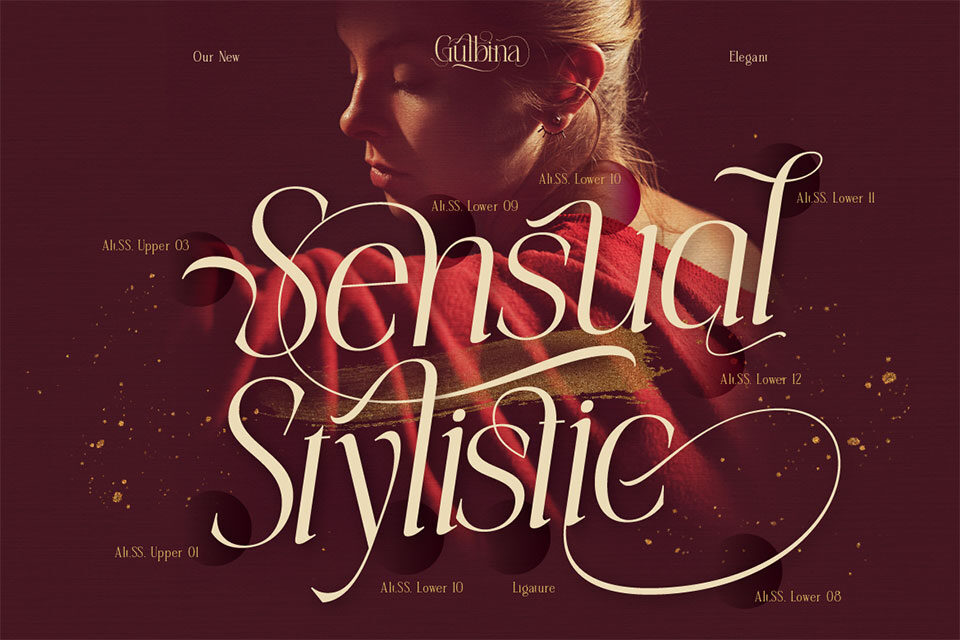
Typography isn’t just about picking a cool font—it’s about creating a unique and eye-catching design. One of the best ways to add personality and elegance to your text is by using alternates and ligatures. These features can transform a simple design into something refined and highly customized. Let’s explore and see how you can use them to make your designs stand out!

What Are Alternates & Ligatures?

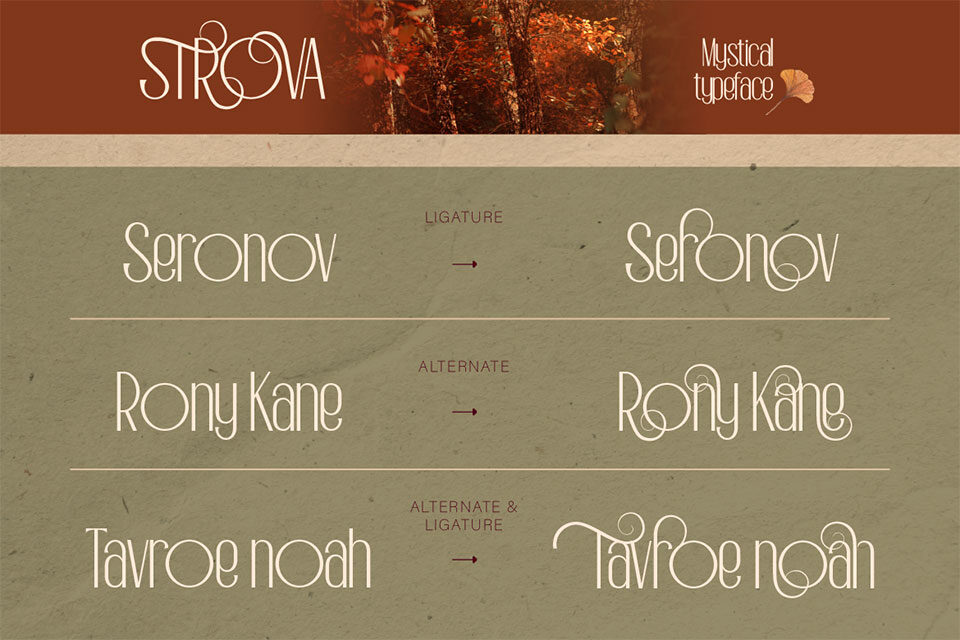
Alternates – Variations of certain letters or characters that can be swapped to create a more stylish and unique look. Many script and decorative fonts offer alternates for added variety.

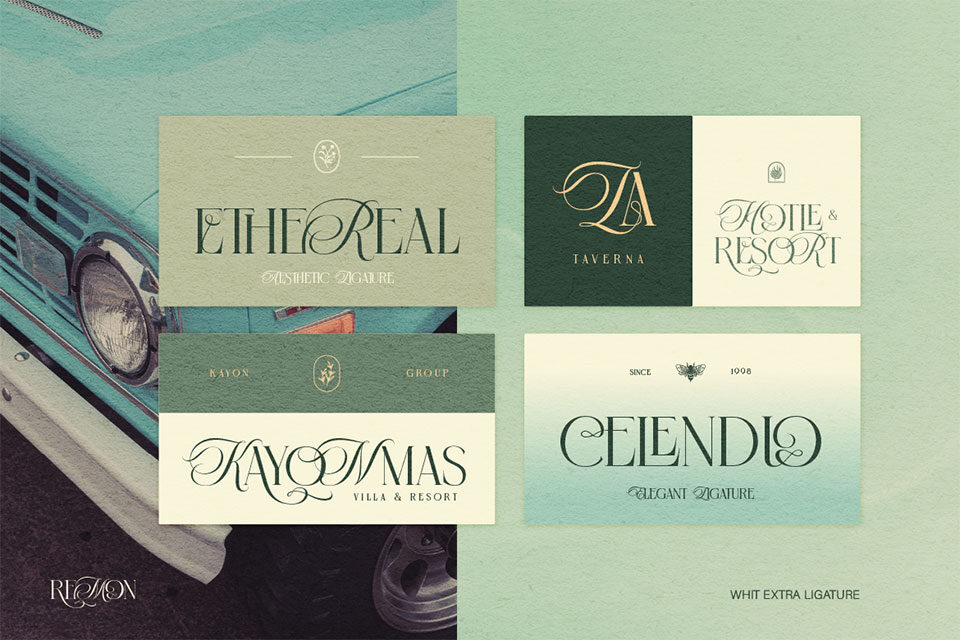
Ligatures – Special letter combinations designed to improve readability and aesthetics. Instead of appearing separately, certain letters—like ‘fi,’ ‘fl,’ or ‘tt’—are merged for a more seamless and elegant appearance.

Both features help make typography more polished and visually appealing! 
Why Should You Use Alternates & Ligatures?

  • Boost Aesthetics – Switching up standard letters with alternates adds character and style to your text.  
  • Improve Readability – Ligatures eliminate awkward spacing, making text flow more naturally.
  • Make Your Designs Stand Out – Customizing typography with alternates and ligatures makes branding, logos, and other designs look more exclusive and eye-catching.

How to Use Alternates & Ligatures in Design

  • Choose Fonts That Support Alternates & Ligatures – Many premium fonts offer these features. Look for fonts labeled OpenType (OTF), as they usually come with advanced typography options.
  • Enable Them in Your Design Software – Programs like Adobe Illustrator, Photoshop, and Figma allow you to activate OpenType features. Just open the character panel and switch on the alternates and ligatures settings.
  • Use Alternates to Highlight Key Words – Alternates can emphasize important words, making titles, logos, and branding materials more eye-catching.
  • Keep It Balanced – Don’t overdo it! Too many alternates and ligatures can make text look messy rather than stylish.

Best Fonts with Alternates & Ligatures

  • Modern Calligraphy Fonts – Perfect for wedding invitations and elegant branding.
  • Retro & Vintage Fonts – Great for nostalgic designs with a classic touch.
  • Luxury Serif Fonts – Ideal for editorial work and high-end branding.

Alternates and ligatures are powerful typography tools that can take your designs to the next level. By knowing when and how to use them, you can create text that’s not just readable but also visually stunning. Play around with different fonts, enable OpenType features, and watch your typography game reach new heights!

Related Post

Scroll to top